Alchemy Page
A complete guide to using the Alchemy page for web scraping and multi-page crawling
The Alchemy page is the core interface of this application. It refines web pages from raw "ore" into clean knowledge "gold"—supporting two modes: Scrape (single-page extraction) and Crawl (multi-page crawling).
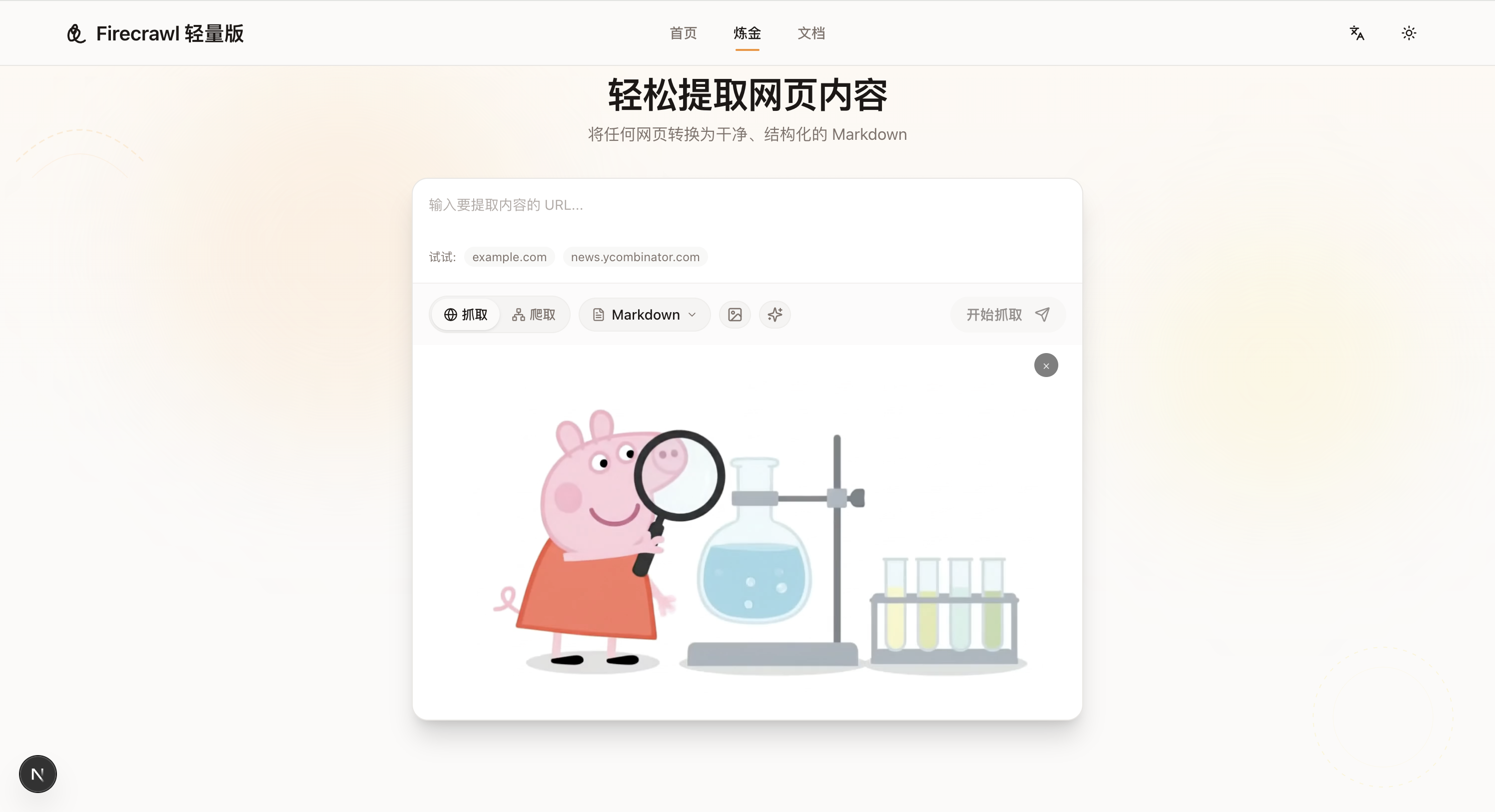
Scrape Mode
Scrape mode extracts content from one or more specific URLs. Ideal for single articles, blog posts, news pages, etc.
Steps
- Enter URLs — Type target URLs in the text box, multiple URLs supported (one per line)
- Select output format — Click the format selector, choose Markdown, JSON, or PDF
- Configure advanced options (optional) — Enable AI optimization or image download
- Click "Start Scraping" — Wait for completion and view results
Options
| Option | Description | Default |
|---|---|---|
| Format | Output format: Markdown / JSON / PDF | Markdown |
| AI Optimization | Use AI to clean noise and extract core content | Off |
| No Cache | Force re-fetch content, ignore cached versions | Off |
| Download Images | Save images locally to prevent broken links | Off |
Use Cases: Single technical blog posts, news articles, specific product documentation pages.
Crawl Mode
Crawl mode starts from a single URL and automatically discovers and crawls linked pages. Ideal for documentation sites, blog series, full site backups, etc.
Steps
- Enter starting URL — Input the crawl starting point
- Configure crawl parameters — Set max pages, crawl depth, path prefix, etc.
- Click "Start Crawling" — Watch real-time progress and results
Configuration Options
| Option | Description | Default | Recommended |
|---|---|---|---|
| Max Pages (maxPages) | Maximum number of pages to crawl | 10 | 10-50 |
| Crawl Depth (maxDepth) | Maximum link traversal depth | 3 | 2-3 |
| Path Prefix (pathPrefix) | Restrict crawl scope to specific path | Auto-extracted | /docs/ |
Tip: Path prefix is automatically extracted from the input URL. For example, entering
https://example.com/docs/introwill auto-set it to/docs.
Use Cases: Technical documentation sites (Docusaurus, GitBook), blog post series, full site backup, building RAG knowledge bases.
Output Format Comparison
| Format | Pros | Cons | Best For |
|---|---|---|---|
| Markdown | Smallest size, AI-friendly, easy to edit | No styling | RAG, knowledge bases, LLM processing |
| JSON | Structured data, includes metadata | Requires parsing | API integration, data processing |
| Print-ready, fixed format, offline readable | Not editable, larger size | Archiving, reports, sharing |
Advanced Options
AI Optimization (enableAI)
When enabled, the system uses large language models to intelligently process scraped content: removing ads, navigation, footers, and other noise; identifying and preserving main article content; fixing formatting issues.
Note: Requires backend LLM service configuration (e.g., OpenAI API) to use this feature.
Image Download (downloadImages)
When enabled, downloads page images locally to prevent broken external links and support offline viewing. Downloaded images are accessible via the /api/images/* endpoint or can be packaged as ZIP.
Engine Selection
The system defaults to auto engine, intelligently choosing the optimal approach:
| Engine | Speed | Use Case |
|---|---|---|
| HTTP | ~170ms | Static HTML websites |
| Browser | ~5s | JavaScript Single Page Apps (SPA) |
| Auto | ~1.2s | Auto-select, tries HTTP first, upgrades when needed |
FAQ
Q: Scrape result is empty or incomplete? Target site may use JavaScript dynamic rendering; system auto-upgrades to Browser engine. If issues persist, check if the site has anti-scraping mechanisms.
Q: Crawl speed is slow? Lower concurrency reduces the risk of being blocked. Set reasonable path prefix to avoid crawling irrelevant pages.
Q: How to limit crawl scope?
Use path prefix (pathPrefix) to restrict crawling to specific directories. For example, setting /docs/ only crawls the documentation directory.